Live SVG Signatures: Create an Animated Signature Online
- What Are Live SVG Signatures?
- How an SVG Signature Comes Together
- SVG vs PNG Signatures: What’s the Difference?
- Benefits of Using SVG Signatures
- How to Create an SVG Signature
- Styles and Fonts to Choose From
- Where an SVG Signature Fits
- Using It in Email and Documents
- Is an SVG Signature Scalable and Resolution-Free?
- SVG Signatures vs Scanned Signatures
- Common Mistakes When Creating an SVG Signature
- Tips for Choosing the Right Style
- Conclusion
- Frequently Asked Questions
Most signature tools give you a flat image — a JPG or PNG that looks fine until you try to resize it, print it large, or drop it into a document with a different background color. Live SVG signatures work differently. Instead of a grid of pixels, it’s built from actual paths and strokes, the same way a font renders letters, so it stays sharp no matter how big or small you make it. This guide walks through what that actually means, how the technology behind it works, and when it’s worth using one instead of a regular scanned or drawn signature image.
What Are Live SVG Signatures?
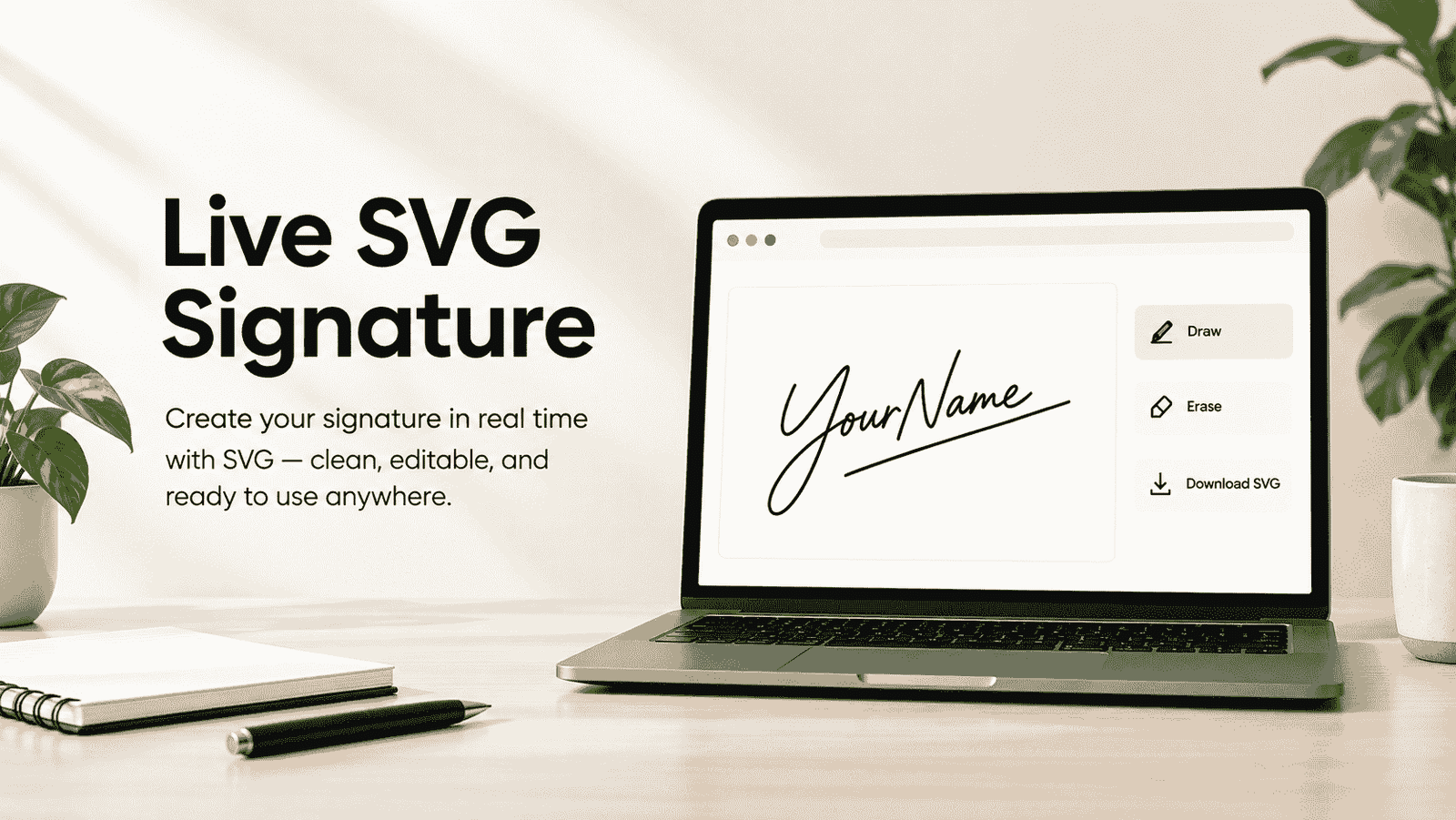
SVG stands for Scalable Vector Graphics — an image format that describes a picture using mathematical paths instead of a fixed grid of colored dots. Live SVG signatures take that idea and apply it to handwriting: your name gets converted into a series of curves and lines, the same way a typeface defines the shape of each letter. Because it’s built from paths rather than pixels, it can be stretched across a banner or shrunk into a tiny footer without ever looking blurry or jagged. The word “live” usually refers to the fact that the signature can animate — drawing itself stroke by stroke on screen — rather than just sitting there as a static picture. Anyone who’s zoomed into a signature file and watched it turn to mush already understands why that distinction matters.
How an SVG Signature Comes Together
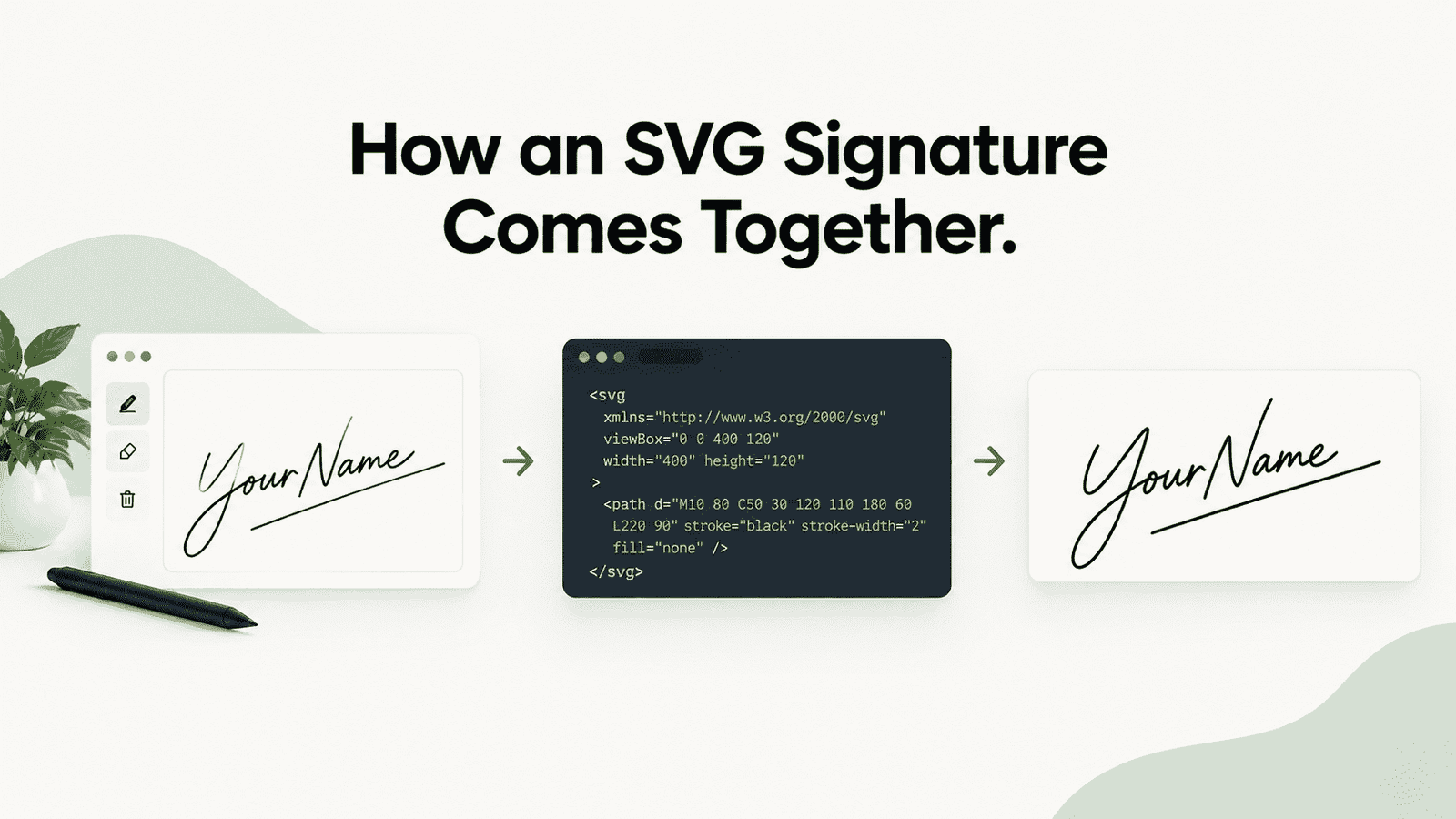
Putting together live SVG signatures is more automated than it sounds. Behind the scenes, the process usually starts with a font — a script or handwriting-style typeface where each letter is already defined as vector outlines. When you type your name, the generator maps each character’s path data into one continuous signature shape, adjusts the spacing so it reads naturally, and wraps the whole thing in SVG markup. Some tools add a stroke-drawing animation on top of that using basic CSS or JavaScript, tracing the outline of the letters the way a pen would move across paper. None of this requires you to draw anything by hand. The type-it-and-preview approach means the real work — the actual shape of the letters — was done once, by whoever designed the font, and gets reused every time someone types a name into the tool.
SVG vs PNG Signatures: What’s the Difference?
A PNG signature is a snapshot — a fixed number of pixels captured at one size. Zoom in far enough, and eventually you’ll see the individual squares that make it up. An SVG signature has no fixed size at all; the file just contains instructions for drawing curves, and the browser or design program recalculates them fresh at whatever size you need. That difference matters most when a signature has to travel — dropped into a business card at 40 pixels wide, then stretched across the bottom of a certificate at 400. A PNG survives one of those uses. An SVG survives both, usually without you touching it. File size tends to favor SVG too, since path data is almost always lighter than a full image of the same shape.
Benefits of Using SVG Signatures
Beyond the resizing advantage, live SVG signatures stay editable after the fact — the color, stroke width, and even the individual letters remain separate elements rather than baked-together pixels, so small adjustments don’t mean starting over.
How to Create an SVG Signature
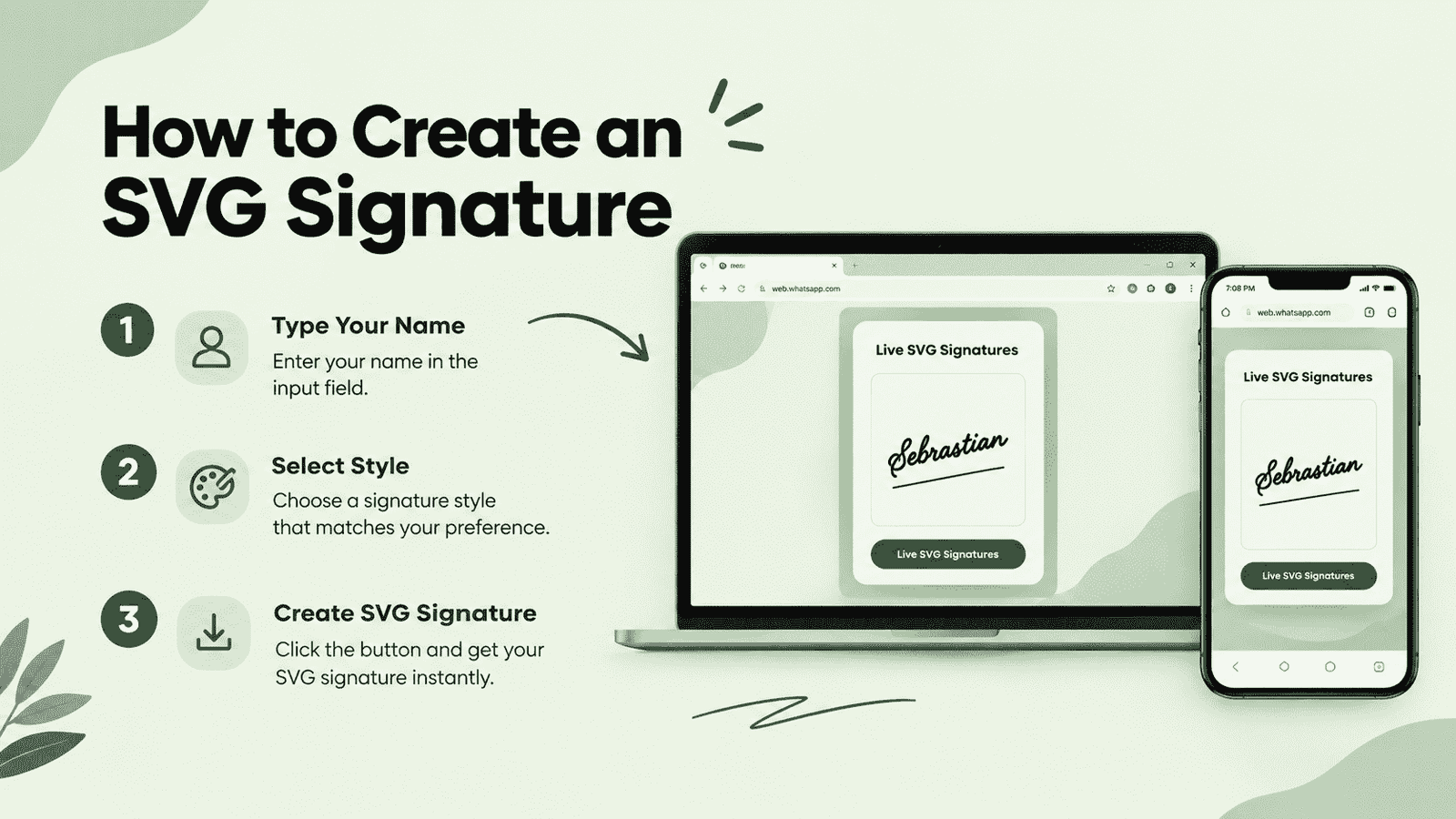
Creating live SVG signatures doesn’t require any design software. Type your name into a generator built for this, and it converts the text into signature-style vector paths in real time, using whichever handwriting font you’ve selected. From there, you can usually adjust the ink color, try a few different script styles side by side, and preview exactly how the final shape will look before saving anything. If you’d rather start with the simpler version of this — a plain downloadable signature rather than the animated vector kind — tools like free signature generator cover that end of things too. Once you’re happy with the result, most tools let you export it directly as an .svg file, ready to drop into a document, website, or design file without any extra conversion step.
Styles and Fonts to Choose From
Because the whole thing is font-based, the range of available looks comes down to how many handwriting-style typefaces the tool has loaded — and a good one usually offers dozens, from a tight formal cursive to a loose, casual scrawl. Some lean elegant, with long connecting strokes between letters. Others read more like a quick signature dashed off at the bottom of a receipt. Trying your actual name across several of these side by side is the fastest way to find one that feels like it could plausibly be yours, rather than picking whichever option happens to load first.
Where an SVG Signature Fits
Once exported, live SVG signatures behave like any other vector graphic. It drops cleanly into design software for letterheads and certificates, scales without complaint inside a PDF template, and works well as part of a website footer or an “about” page that wants a personal touch. Because it stays sharp at any size, it’s particularly useful anywhere the same signature needs to show up both tiny — in an email footer — and large — printed across a certificate or a poster — without keeping two separate versions of the file around.
Using It in Email and Documents
For everyday use, most people still convert the SVG into a PNG before dropping it into an email signature or a Word document, since not every email client renders SVG reliably yet. That’s a quick export step, not a limitation of the format — you keep the original vector file for anything that needs to scale later, like a printed contract or a large-format document, and use the flattened version for daily messages. PDFs are more forgiving: modern PDF tools generally embed SVG signatures without issue, which is part of why the format has caught on for contracts and official paperwork that eventually get printed at a range of sizes.
Is an SVG Signature Scalable and Resolution-Free?
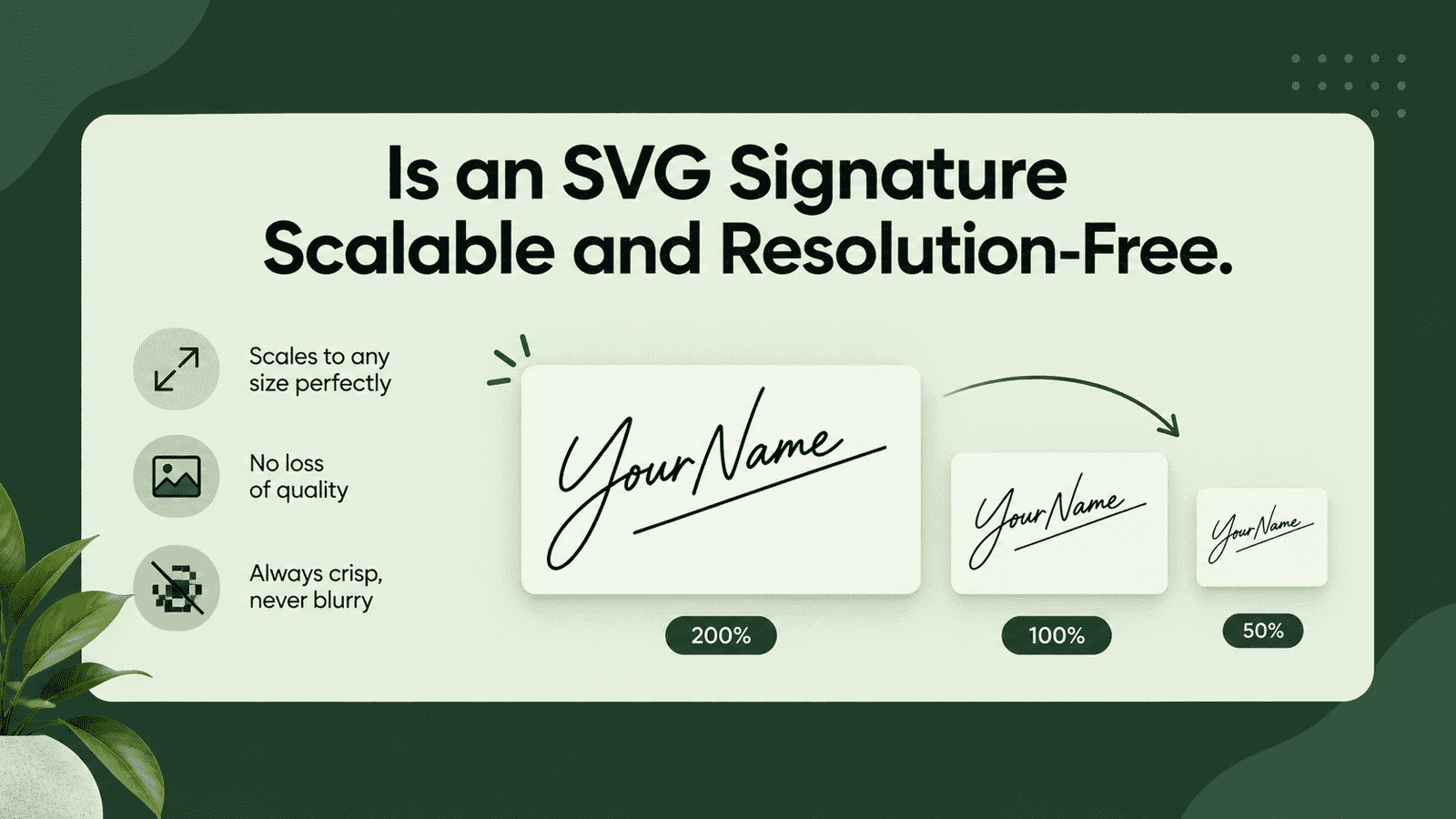
Yes — that’s essentially the whole point of the format. Because an SVG signature is drawn from path coordinates rather than a fixed pixel grid, there’s no native resolution to speak of. A screen, a printer, and a large-format plotter all just calculate the curves fresh at whatever size they’re asked for. That’s different from a “high-resolution” PNG, which is still just a bigger fixed grid that eventually runs out of detail once you zoom in far enough. An SVG never runs out, because it was never made of squares to begin with.
SVG Signatures vs Scanned Signatures
A scanned signature captures whatever imperfections were already on the paper — smudges, uneven ink, a slightly shaky line — which some people actually prefer, since it looks unmistakably handwritten. Live SVG signatures trade that texture for consistency: the same clean shape every time, with no dependence on a scanner, decent lighting, or a steady hand that day. Neither one is strictly better. A scanned signature carries more personal history in the details; an SVG version is faster to produce, easier to resize, and simpler to reuse across dozens of documents without ever needing to scan anything again.
Common Mistakes When Creating an SVG Signature
A few habits show up often enough to be worth flagging:
- Picking a script so ornate that the letters become genuinely hard to read once shrunk down.
- Exporting at an unnecessarily large canvas size, even though SVGs are usually light on their own.
- Forgetting to check how the signature looks against a dark background, since some exports default to a fill that disappears entirely.
- Skipping a final size test — a signature that looks perfect at 400 pixels can still fall apart at 60.
Tips for Choosing the Right Style
Picking the right look for live SVG signatures usually comes down to testing, not guessing. Type your full name and a shorter version — initials, or a nickname — and compare both, since some fonts flatter a long name and fall apart on a short one. Check the signature at the smallest size you’ll realistically use it, not just the preview size. If it’s going anywhere near a legal or official document, lean toward a more legible style over a heavily stylized one. And keep the ink color simple: black or a dark navy reads as intentional, while brighter colors can look more decorative than authoritative.
Conclusion
Live SVG signatures aren’t a replacement for handwriting so much as a more durable version of them — one that survives resizing, printing, and reuse without degrading the way a flat image eventually does. If you’re curious about the underlying format itself, the MDN Web Docs entry on SVG covers the technical side in more depth than most people will ever need. For everyday use, though, the appeal is simple: type your name once, and the result holds up wherever you end up using it.